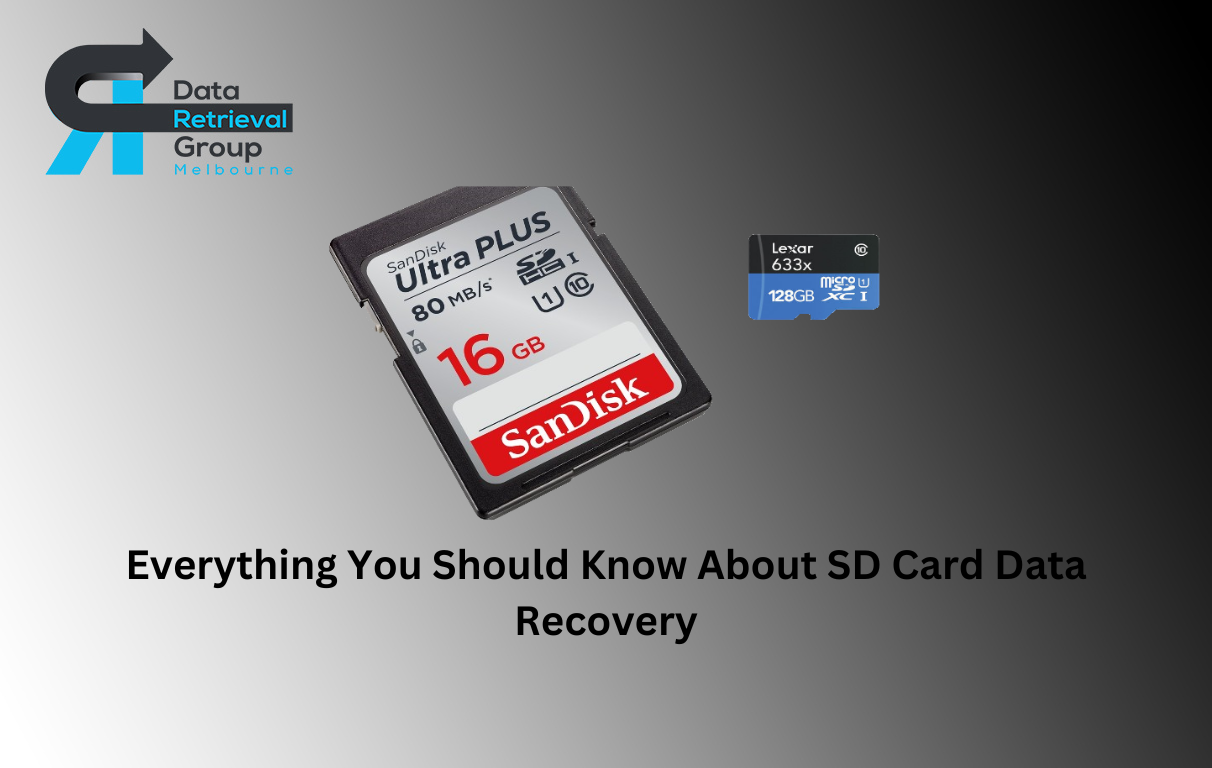
Everything You Should Know About SD Card Data Recovery In 2025
March 15, 2025
Your DVR starts acting up, or maybe you’re just tired of that weird sound from the hard drive. But you tend to wonder if there’s anything you can do or a way to store those episodes without any hassle. Well, our DVR Data Recovery experts got some good news for you: your DVR can actually work without a traditional hard drive, though there are some important things you should know.
Remember the old days when losing your Digital Video Recorders hard drive meant game over? Not really. Technology has come a long way, and now you’ve got several cool alternatives to consider.
DVR Storage Basics
Traditional DVRs rely on hard drives as their primary storage medium, converting incoming analog or digital signals into compresed digital files. These files are then stored on the hard drive for later playback. A typical Digital Video Recorder hard drive can store anywhere from 500GB to 4TB of content, translating to aproximately 500 to 4,000 hours of standard-definition programming.
Alternative Recording Solutions
Network-Attached Storage (NAS)
Modern DVRs can connect to NAS devices through your home network, effectively using them as external storage. This solution offers several advantages, including expandable storage capacity and the ability to access recorded content from multiple devices. However, you’ll need a DVR that specifically supports NAS connectivity and proper network configuration to make this work.
Cloud Storage Integration
Some newer DVR models integrate with cloud storage services, allowing you to record content directly to remote servers. This solution eliminates the need for local storage entirely, but it comes with its own set of considerations. You’ll need a stable, high-speed internet connection and, typically, a subscription to a cloud storage service. Additionally, streaming recorded content from the cloud may consume significant bandwidth.
USB Storage Options
Many contemporary DVRs support USB storage devices, including flash drives and external hard drives. While this might seem like an ideal solution, it’s important to note that not all DVRs support recording directly to USB devices. Some only allow playback of previously recorded content or firmware updates through USB connections.
Network DVR Services
Cable and satellite providers have begun offering network DVR services, which eliminate the need for local storage entirely. These services store your recorded content on the provider’s servers, allowing you to access it through your set-top box or mobile devices. While convenient, these services usually require additional monthly fees and depend entirely on your internet connection for playback.
Technical Limitations and Considerations
Recording Quality Impact
When using alternative storage solutions, you might notice differences in recording quality or performance. Traditional hard drives are optimized for the constant read/write operations required by DVRs. Alternative storage methods might not handle these operations as efficiently, potentially resulting in recording glitches or playback issues.
Buffer Requirements
Even when using external storage solutions, most DVRs still require some form of internal buffer memory to temporarily store content before transferring it to the final storage destination. This buffer helps prevent data loss during recording and ensures smooth playback.
Compatibility Issues
Not all DVRs support alternative storage solutions out of the box. Some manufacturers lock their devices to internal hard drives for various reasons, including digital rights management and quality control. Before investing in alternative storage solutions, verify your DVR’s compatibility with your intended storage method.
Future-Proofing Your Setup
As technology continues to evolve, new storage solutions for DVR recording are emerging. When considering alternatives to traditional hard drives, keep these factors in mind:
Storage Longevity
Consider the lifespan of your chosen storage solution. While flash storage might seem attractive, frequent write operations can wear out these devices faster than traditional hard drives.
Expandability Options
Look for solutions that allow you to easily expand your storage capacity as your needs grow. Network-attached storage often provides the most flexibility in this regard.
Cost Thing is there
While cloud storage might eliminate the need for local hardware, subscription fees can add up over time. Compare the long-term costs of different storage solutions before making a decision.
Making the Choice
Choosing the right storage solution is like picking the perfect streaming package – it needs to fit your specific needs. Think about:
- How much TV you actually record
- What kind of internet connection you’re working with
- How much you’re willing to spend
- How tech-savvy you are (or want to be)
Also Read: Recovering CCTV Footage: A Guide for Retrieving Deleted Data from DVR Hard Disk
In the end
The bottom line? Yes, your DVR can work without a traditional hard drive, and there are plenty of cool alternatives to choose from. While we’re probably heading toward a future where everything lives in the cloud, we’re not quite there yet. For now, your best bet might be mixing and matching solutions – kind of like having both Netflix and cable.
Whether you go for cloud storage, network storage, or good old USB drives, understanding what works best for your setup will help you keep recording all your favorite shows without missing a beat.